Codiotic Virtual STEM Lab • Classes 3 To 9

Don’t Just Use
Technology.
Learn To Build It.

Welcome To Codiotic Virtual STEM Lab — A Live, Mentor-Guided STEM Learning Program Designed For Students From Classes 3 To 9. Learn Future-Ready Technologies Through Practical, Project-Based Activities Using Virtual Simulations And Interactive Tools.

Coding Electronics Robotics Artificial Intelligence Arduino IoT Game Designing
Student Learning with Codiotic Virtual STEM Lab
Build
Simulate
Experiment
Learn
12 Live Sessions
Every Month • 3 / Week
Grade-Wise Batches
Classes 3 To 9
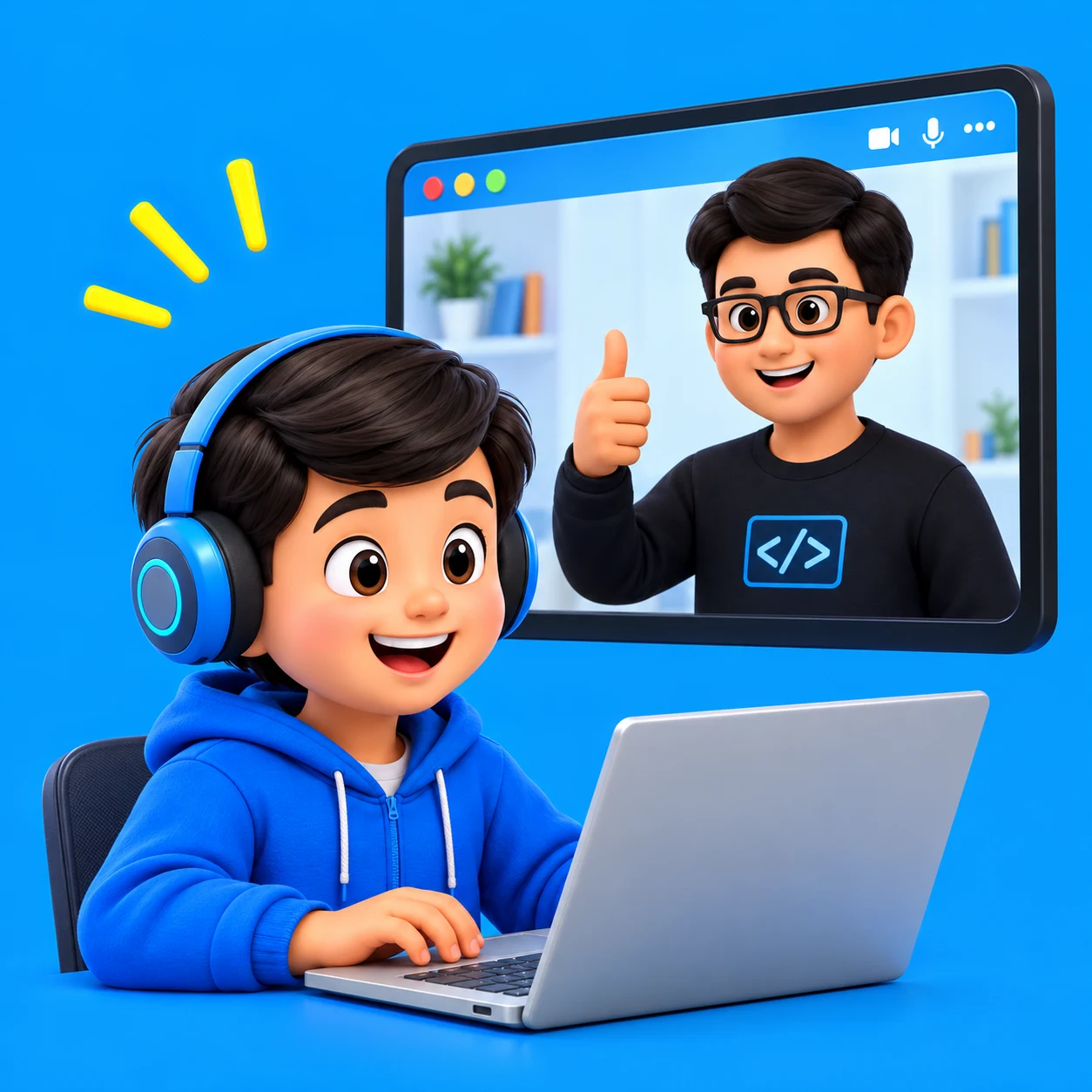
Mentor-Guided
Hands-On Problem Solving
Project Portfolio
Proof Of Creation
Major Capstone
Innovation Challenges
Founding Batch Offer
₹999 / Month

Book A Free Demo Session
A More Productive Digital Experience

Turn Screen Time Into Build Time.

Children Already Spend Time Using Smartphones, Computers, Games And Artificial Intelligence. At Codiotic Virtual STEM Lab, We Empower Them To Use That Screen Time Productively.

Before Codiotic

Only A Technology User

  • Endlessly Watching Videos
  • Playing Other People's Games
  • Using Pre-Built Apps Blindly
  • Using AI Tools Without Knowing How They Work
🙁
Passive Consumption Doesn't Build Skills.
Child Passively Watching Screen
With Codiotic Virtual STEM Lab

An Active Technology Creator

  • Create Original Interactive Games
  • Build And Code Autonomous Robots
  • Design Circuits & Program Smart Sensors
  • Understand Computer Vision & AI
  • Engineer Real-World Solutions
💡
Moving From User To Creator. Same Screens. A Brighter Future.
Active Robotics Creator Child
Creativity
Rather Than Consumption
Skills
For The Real World
Confidence
Through Creation
A Brighter
Tomorrow
Student Creation Showcase

See What Our Students Build

They Don’t Just Control Technology. They Learn How To Create It.

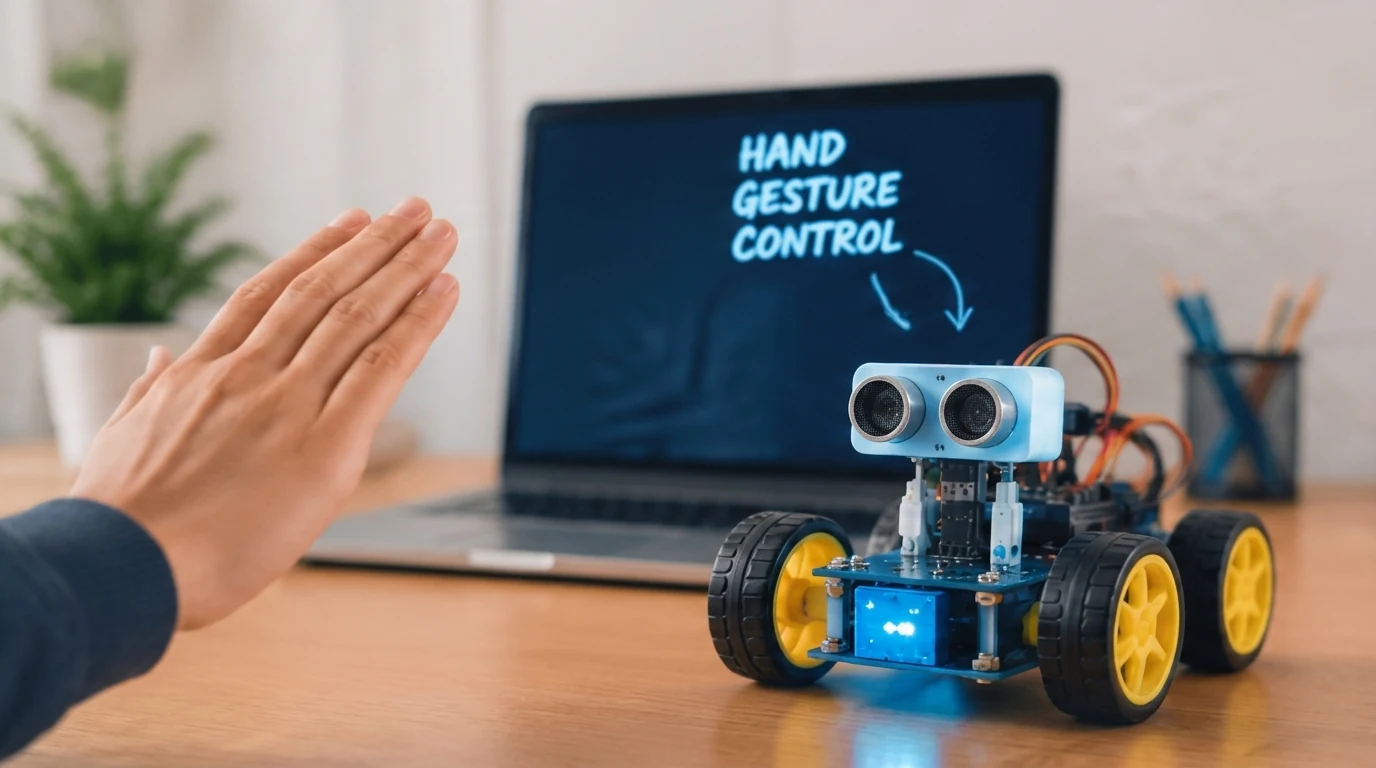
Student AI Gesture Robot Demonstration
Student Project
Build
Learn
Innovate
0:00 / 1:24
Project #01 • AI Gesture Robot
Student Created

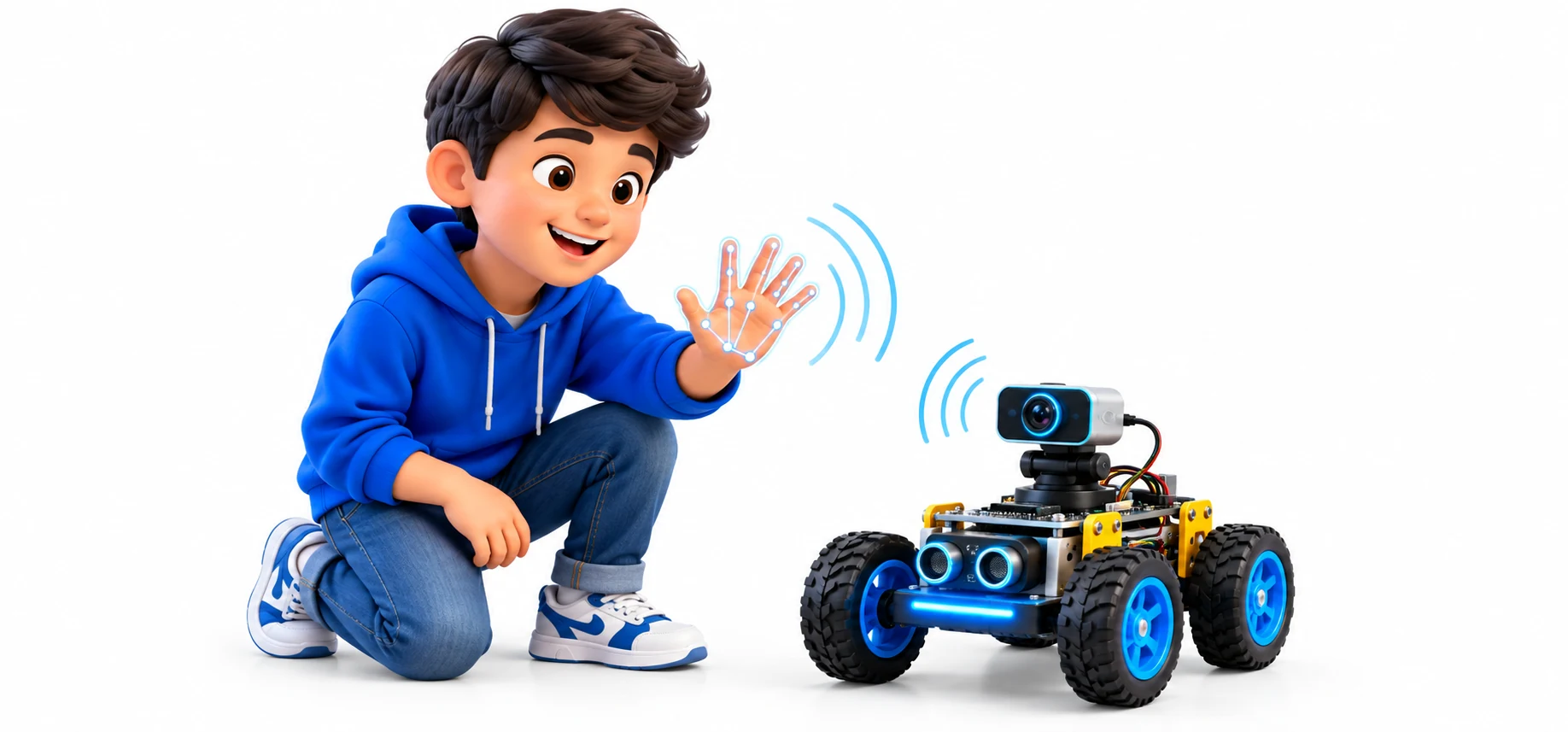
“I Created This Gesture-Controlled Robot In Codiotic Virtual STEM Lab.”

“The System Detects My Hand Gesture And Based On The Gesture, The Robot Moves Forward, Backward, Left Or Right. Through This Project, I Learned Coding, Artificial Intelligence, Computer Vision And Robotics Concepts.”

01
Student
Gesture
02
AI
Detection
03
Coding
Logic
04
Robot
Movement
DESIGNED DIFFERENTLY FOR MAXIMUM ENGAGEMENT

Not Another Online Class

Can Students Really Learn STEM Effectively Online? Yes — Because This Is Not A Pre-Recorded Video Course Where Students Passively Watch.

Live Sessions

Students Interact Directly With Real Certified STEM Mentors In Real-Time.

Live Sessions

100% Practical

Students Build, Simulate, And Code Projects During The Class Itself.

100% Practical

Interactive

Students Ask Questions, Test Hypotheses, And Solve Debugging Challenges.

Interactive

Project-Based

Students Complete Tangible Working Creations Rather Than Just Rote Theory.

Project-Based
Systematic Engineering Methodology

How The Learning Process Works

Every Project Follows An Intuitive 8-Step Cycle That Trains Students To Think Like Engineers.

Understand - Identify Real-World Problem

Understand

Identify Real-World Problem

Design - Plan The Solution Framework

Design

Plan The Solution Framework

Build - Simulate Circuits & Devices

Build

Simulate Circuits & Devices

Code - Write Program Logic

Code

Write Program Logic

Test - Run And Verify Output

Test

Run And Verify Output

Debug - Correct Syntax & Hardware Errors

Debug

Correct Syntax & Hardware Errors

Improve - Iterate And Optimize Design

Improve

Iterate And Optimize Design

Present - Explain Project To Audience

Present

Explain Project To Audience

This Is How Students Learn Technology By Doing It.

Curriculum In Action

What Will Your Child Build?

Students Work On Exciting Projects Calibrated To Their Age Group And Learning Level.

Project #02 - AI Vision

Can Your Child Teach
A Computer To See?

In this project, students learn face detection. The camera captures the image, and the program detects the face. When a face is found, the system continues tracking the face. Through this project, students learn the basics of Artificial Intelligence and Computer Vision.

From Using AI To Understanding AI.

AI
Computer Vision
Python
AI Face Detection Student
1

Camera Input

Capture live video from webcam

↓
2

AI Processing

Analyze the image using AI models

↓
3

Face Detection

Identify and track the face

Face Detected
↓
4

Output Response

Show results with live feedback

Live Face Detected
PROGRESSIVE GRADE-WISE PATHWAY

One Program — Four Learning Levels

Gradually Advance From Foundational Visual Logic To Autonomous Engineering Systems.

Classes 3 & 4

STEM Explorer

Discover
Key Topics:

Basic Electronics • Scratch Coding Games • Robotics Logic • Automation

Example Projects:

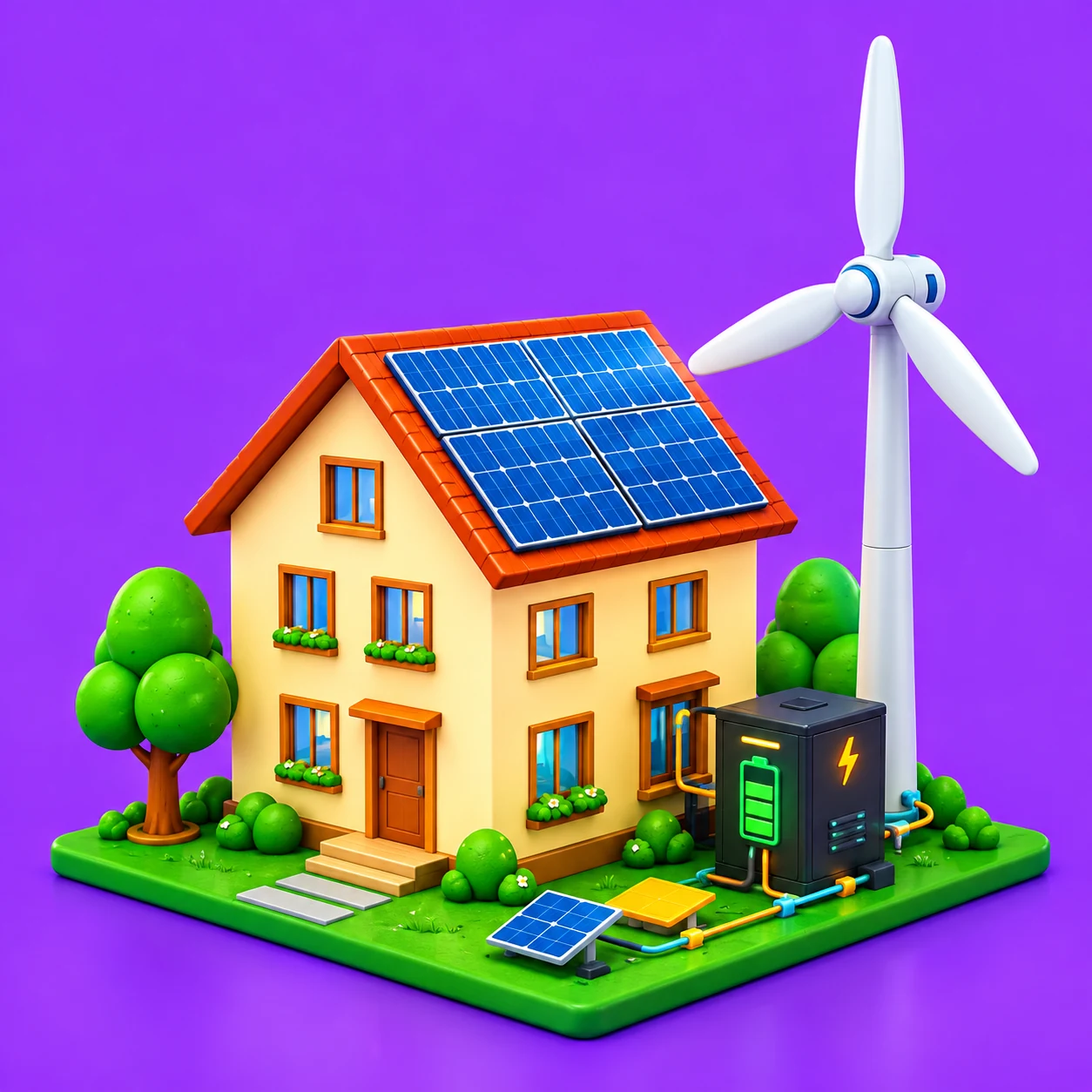
Talking Robot • Robot Dance • Maze Escape • Smart Street Light

🏆 Outcome: “I Can Build.”
Classes 5 & 6

STEM Maker

Create
Key Topics:

Electronics • Intermediate Coding Arduino Intro • Robotics • AI Intro Games

Example Projects:

Parking Assistant • Obstacle Avoider Line Follower • Plant Monitor

🏆 Outcome: “I Can Create Technology.”
Classes 7 & 8

STEM Innovator

Innovate
Key Topics:

Arduino • Advanced Robotics • Python Intro Computer Vision • AI • IoT

Example Projects:

Gesture Robot • Face Detection • IoT Weather Station • Smart Agriculture

🏆 Outcome: “I Can Combine Technologies.”
Class 9

Future Engineer

Engineer
Key Topics:

Esp32 • Python • Advanced AI • IoT Architectures • Automation • Capstones

Example Projects:

Autonomous Rover • Cloud Telemetry • AI Edge Device • Major Capstone

🏆 Outcome: “I Can Design Solutions.”
Comprehensive Multi-Disciplinary Stack

Technologies & Virtual Tools

Students Use Industry-Grade Virtual Simulation Tools And Interactive Coding Environments.

Coding IDEs

Scratch • Python Block

Circuit Sims

Virtual Breadboards

Robotics Sims

Physics-Based 3D Bots

AI & Vision

Neural Detection Blocks

Arduino & IoT

Microcontroller Sims

Accessibility

Practise From Anywhere
On Mobile, Laptop Or
Desktop

Students Can Join Live Sessions From Any Supported Device. For Simple Coding Activities, Mobile Works Great. For Comprehensive Circuit Simulation, Arduino, And AI Computer Vision, We Recommend A Laptop Or Desktop.

Practise On Mobile, Laptop Or Desktop
Recommended Setup Laptop
Recommended Setup:

Laptop / Desktop With Webcam And Google Chrome Browser For The Full Interactive Virtual Simulator Experience.

Codiotic Project Ladder

1
Level 1 — Build

Follow The Mentor And Understand How The Project Works.

2
Level 2 — Modify

Tweak Parameters And Extend The Existing Codebase.

3
Level 3 — Solve

Apply The Learned Concept To Solve A Completely New Problem.

4
Level 4 — Invent

Engineer An Original Independent Capstone Solution.

Parent Visibility

See What Your Child
Is Learning

Parents Never Have To Wonder "What Did You Learn Today?". Every Student Regularly Presents Completed Builds, Accompanied By Mentor Feedback And Verified Demonstration Videos.

Project Completed: AI Gesture Robot
Grade 7

Concepts Verified: Computer Vision, Logic Loops, Kinematic Actuation

Mentor Feedback: Excellent Grasp Of Gesture Thresholding.

Student Project Portfolio

By The End Of The Program, Students Don't Just Hold A Certificate. They Own Tangible Proof Of What They Have Engineered.

Student Portfolio
Simulation Code
Project Videos
Mentor Evaluations
Capstone Certificates
Communication & Confidence
Innovation Day Megaphone

Codiotic Innovation Day

Students Present Their Chosen Projects Live To Mentors, Parents, And Peers. Answering What Problem Was Identified, How The System Works, And How It Can Be Upgraded.

Technical Skills + Communication + Confidence
Hardware Extension
STEM Kits Package Box

Optional Physical STEM Kits

The Virtual STEM Lab Is Simulation-First To Keep Learning Affordable And Zero-Barrier. For Students Wanting Physical Components, Optional Kits Allow Seamless Transition.

Design → Simulate → Code → Test → Build Physically

From Virtual Simulator To Real Hardware
For Schools & Institutions

Already Have A Computer Lab? Turn It Into A Virtual STEM Lab.

Your Existing Computer Lab Can Become An Interactive STEM Powerhouse — Without The Upfront Capital Expense Of A Full Physical Lab Buildout.

Your Existing Computer Lab
Your Existing
Computer Lab
↓
Codiotic Virtual STEM Lab
Codiotic
Virtual STEM Lab
↓
Learn Simulate Build Innovate
Learn • Simulate
• Build • Innovate
Contact Us To Transform Your Lab →
Affordable Access

Program Fee

No Long-Term Lock-In Commitment Required For The Initial Program.

Codiotic Virtual STEM Lab

Founding Batch Offer

★ Limited Seats
₹999
/ Month

12 Live Sessions Every Month
Grade-Wise Batches (Classes 3–9)
Coding, AI, Robotics, IoT & Circuits
Parent Progress Updates
3 Sessions Per Week
Certified Mentor Guidance
Verified Student Portfolio
Capstones & Certification
Free Demo Session — ₹0

Don’T Decide Just By Reading. Let Your Child Experience It.

During the free demo session, the student meets a mentor, experiences a live class, builds a mini project, and tests it.

Why Codiotic?

Because Technology Should Be Experienced, Not Memorised.

Live Learning

Interact With Real Certified Mentors In Real Time.

Practical Learning

Projects Completed During The Actual Classes.

Grade-Wise Curriculum

Tailored Specifically To Child Age And Capability.

Multiple Technologies

Coding, Circuits, AI, IoT & Robotics Synced.

Real-World Projects

Understand Practical Applications Of Tech.

Visible Outcomes

Parents Clearly See What Their Child Creates.

Student Presentations

Build Confidence Through Project Explanations.

₹

Affordable Access

Structured STEM Learning At Just ₹999/Month.

Got Questions?

Frequently Asked Questions

Is Codiotic Virtual STEM Lab only a coding class?
Are the sessions live?
Does my child need previous coding knowledge?
Can STEM really be learned virtually?
Can students practise using a mobile?
Do we need to purchase a STEM kit?
How will parents know what their child is learning?
How many sessions are conducted?
Which classes can join?
What is the programme fee?
How can we start?
Lightbulb
Laptop Code

Your Child Already Uses Technology. Now Give Them The Opportunity To Create It.

Codiotic Virtual STEM Lab • Think • Build • Innovate